
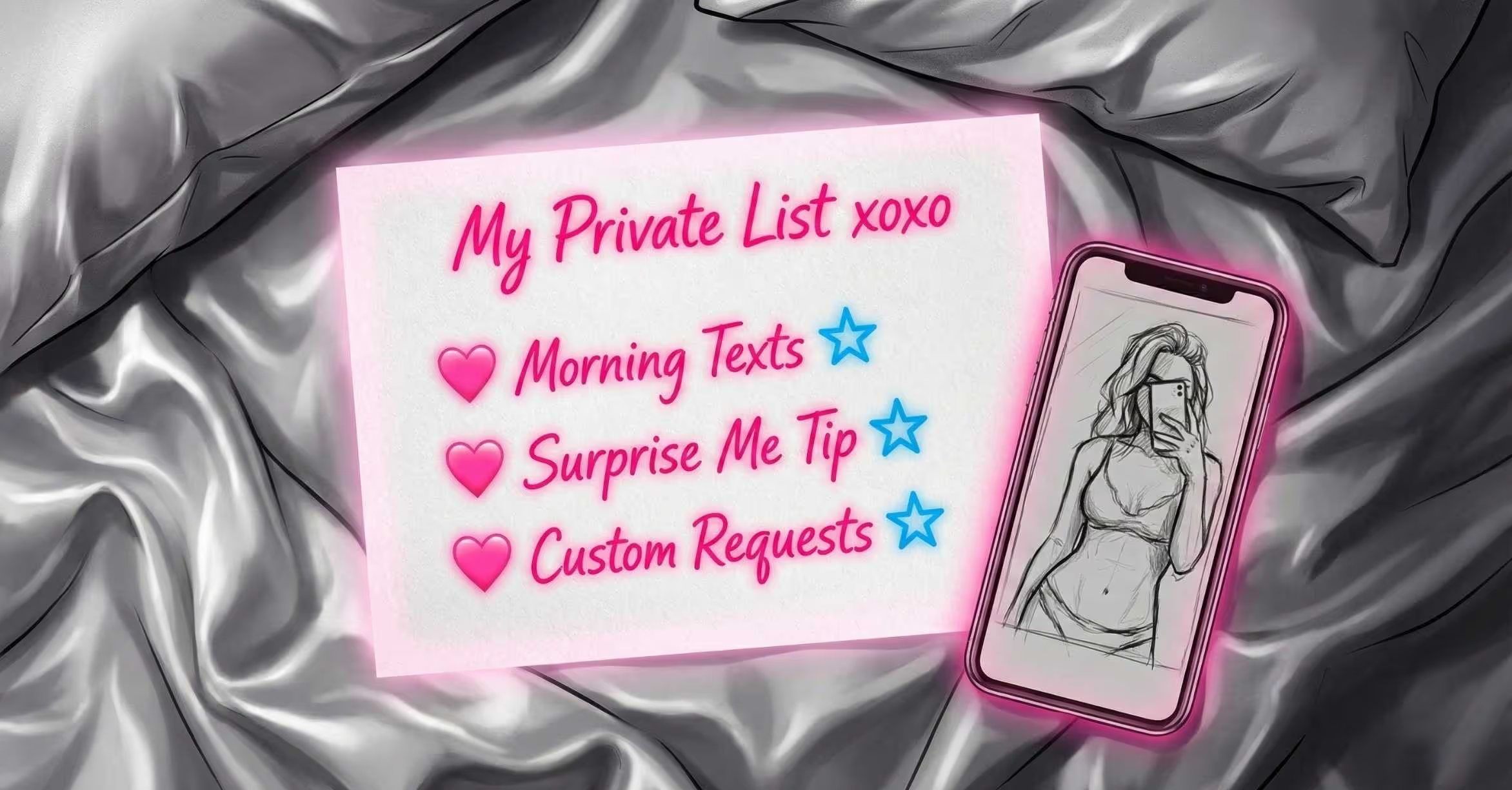
I’ve been looking at your page, and honestly, your content is incredible. You’ve got the look, the personality, and the engagement. But there’s one thing we need to tighten up if you want to start seeing those five-figure months consistently: Your Menu.
Think of your OnlyFans menu (or "Tip Menu") as your silent salesperson. It’s there working 24/7, even when you’re sleeping, at the gym, or out with friends. When a fan lands on your page, they shouldn't have to play detective to find out how to spend money on you. If they have to ask, "Hey, do you do customs?" or "How much for a dick rating?", you’ve already lost half the battle.
In this guide, I’m going to walk you through exactly how to build a menu that doesn’t just look pretty, but actually converts "maybe" fans into "big spenders."
Why You Absolutely Need a Menu (The "Why")
Before we get into the "how," let’s talk about why this matters. Most models think a menu is just a list of prices. It’s actually a psychological tool.
- It Sets Boundaries: By listing what you do do, you’re implicitly stating what you don’t do. It saves you from awkward DM conversations.
- It Increases "Basket Value": Someone might come for a single photo, see your menu, and realize they actually want a 5-minute custom video and a 1-on-1 chatting session.
- Professionalism: It shows you’re running a real business. Fans respect creators who have clear structures.
What Should Be on Your Menu? (The "How-To")
Don’t overcomplicate this. You don't need fifty items. In fact, too many choices can actually lead to "analysis paralysis," where the fan gets overwhelmed and buys nothing. Let’s break it down into four key categories.
1. Ratings and Quick Hits
These are your low-barrier-to-entry items. They are cheap, easy for you to produce, and get the fan used to sending you money.
- Dick Ratings: Give them options. A text rating (maybe $5-$10), an audio rating ($15), or a video rating ($25+).
- G-Rated Interactions: Follow-backs on social media, adding them to a "Close Friends" list, or a "Good Morning" text.
2. The Interaction (Chatting & Sexting)
This is where the real money is made.
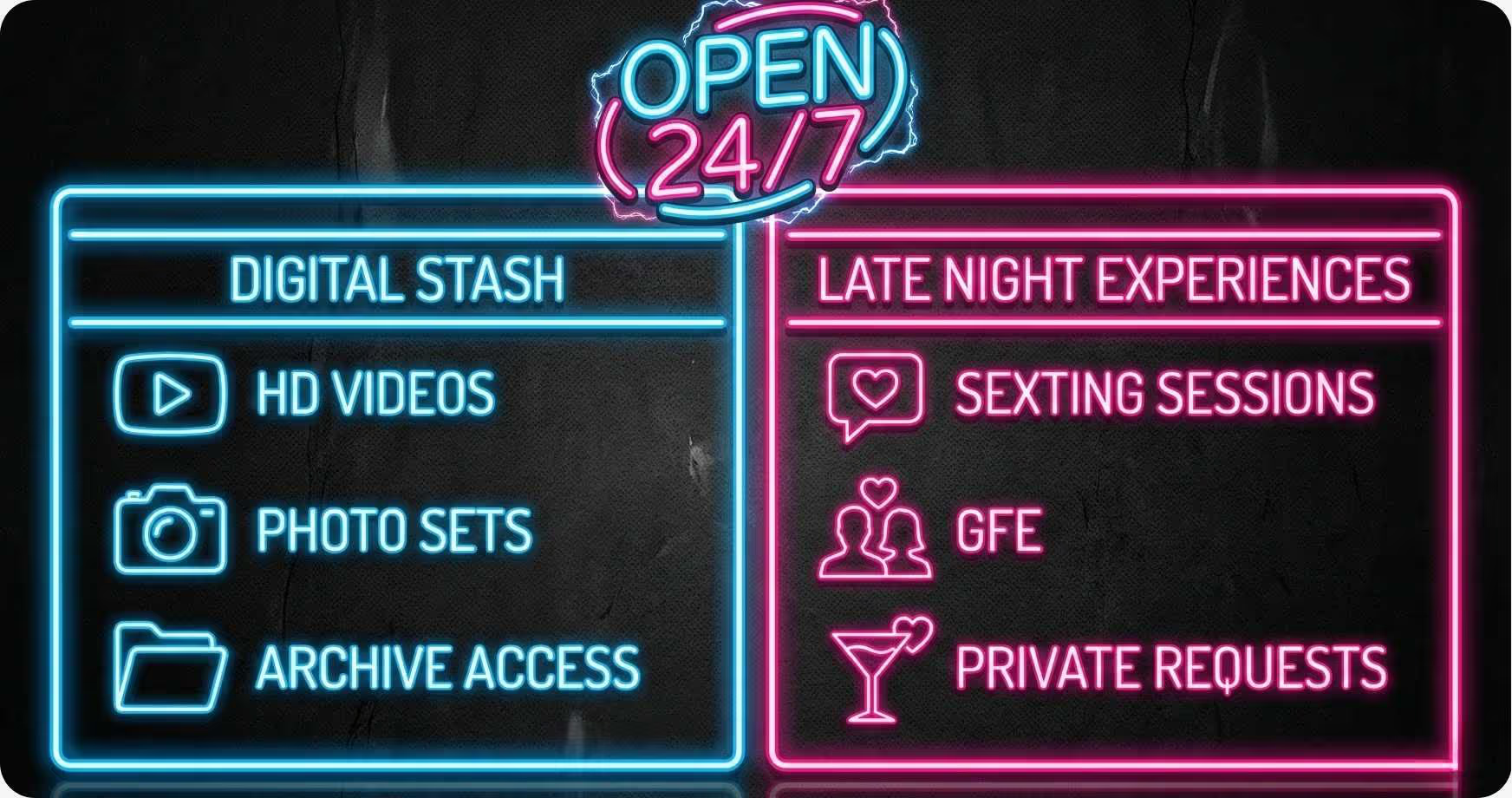
- Sexting Sessions: Charge by the minute or by the "session" (e.g., 15 minutes for $50). Be clear about whether this includes photos or videos.
- GFE (Girlfriend Experience): This is a premium service. Maybe it’s a full day of chatting, check-ins, and "lifestyle" photos. This should be one of your highest-priced items.
3. Custom Content
Customs are your high-ticket items.
- Custom Videos: Most models charge per minute (e.g., $10-$20 per minute) with a minimum requirement (e.g., 3 or 5 minutes).
- Specific Requests: If they want you to wear a specific outfit or use their name, add an "Add-on" fee.
4. The "Surprise" Factor
- The "Surprise Me" Tip: This is a fan favorite. "Tip $20 and I’ll send you something I think you’ll love." It’s low pressure and high excitement.
Deep-Dive: The Psychology of Pricing
Pricing is an art form. You don’t want to be the cheapest model on the block, but you don’t want to price yourself out of the market before you’ve built up enough "Topic Authority."
The Goldilocks Strategy
Always offer three tiers for your most popular services. For example, with video ratings:
- Tier 1: $10 (Standard rating, quick and simple).
- Tier 2: $25 (Detailed rating + what I’d do to you).
- Tier 3: $50 (The "VIP" rating with a short video clip included).
Most fans will naturally gravitate toward the middle option. This is called "anchoring." By having a $50 option, the $25 option feels like a bargain.
The Power of "Add-ons"
Never give everything away in the base price. Start with a base price for a custom video, then charge extra for:
- Using their name ($5-$10)
- Outfit choice ($10)
- Rushed delivery (within 24 hours) ($20)
- Toy usage ($15)
This allows the fan to "build their own" experience, and it makes them feel like they are in control of the spend.
Designing Your Menu for Maximum Impact
You don’t need to be a graphic designer. Tools like Canva are your best friend here. But remember: legibility over everything.
- Stick to Your Brand: If your page is "Girl Next Door," keep your menu light, airy, and cute. If you’re more "Goth/Alternative," go with darker tones and edgy fonts.
- Use Emojis: They break up the text and make the menu feel more approachable and less like a legal contract.
- Photos Matter: Put a high-quality, enticing photo of yourself in the background (or to the side). Remind them whothey are buying from.
- Keep it Updated: Nothing kills a sale faster than a fan asking for something that is no longer on the menu or seeing old prices.
Placement: Where Does it Go?
A menu is useless if no one sees it. Here is where you need to put it:
- The Pinned Post: This is non-negotiable. Your menu should be the very first post anyone sees when they scroll down your profile.
- The Welcome Message: When someone new subscribes, send them a "Welcome" DM. Include a short greeting and a copy of your menu. "Hey babe! So glad you're here. Here's a little list of ways we can have some extra fun together..."
- Your Bio (Optional): You can include a link to your menu or a very shortened version of it in your bio text.
- The "Story" Highlights: If OnlyFans has a "Story" feature active for you, keep a highlight specifically for your services.
The Pro-Angle: Advanced Tips for the High-Earner
Once you’ve got the basics down, it’s time to play the long game.
- Limited Time Offers: Every now and then, "strike through" a price on your menu and offer a sale for 48 hours. This creates urgency.
- The "Menu of the Month": Refresh the look of your menu every month. It keeps things fresh for your long-term subscribers who might have grown "blind" to your old menu.
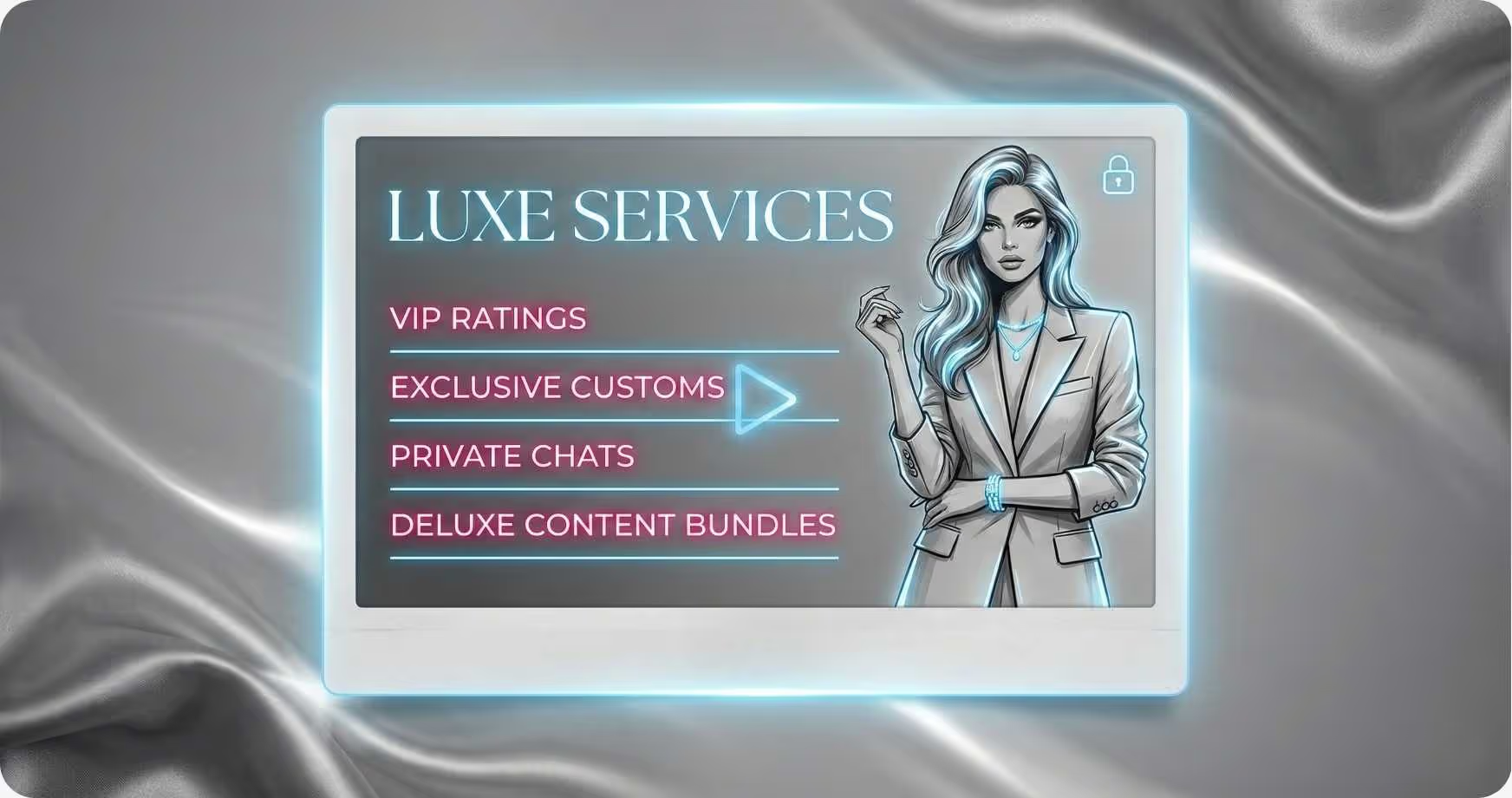
- Bundle Everything: Create a "New Subscriber Bundle." Maybe it’s a dick rating, a 3-minute video, and a 10-minute chat for a discounted price. It gets them invested in you immediately.
Key Takeaways & Quick Wins
Key Takeaways:
- A menu is a boundary-setter and a sales-driver.
- Keep it simple: 3-4 categories max.
- Use "anchoring" to make your mid-tier prices look attractive.
- Legibility is more important than fancy graphics.
Quick Wins (Do these today!):
- Check your Pinned Post: Is your menu there? If not, pin it now.
- Add a "Surprise Me" option: It’s the easiest $20 you’ll ever make.
- Audit your prices: Are you charging enough for your time? If a custom takes you an hour to film and edit, don't charge $15 for it.
.avif)
.avif)
.avif)